
XML Sitemaps for Roofing Websites
Tell Google which roofing service, location, and material pages to discover and index first, so new pages reach search results in days instead of months.

Free XML Sitemap Audit
Most roofing sitemaps list redirected, noindexed, or orphaned URLs that waste crawl budget. Get a free audit with a coverage report and a plan to lift indexation toward 95 percent.
What Is an XML Sitemap?
An XML sitemap is a file that lists the URLs on a roofing website so search engines can discover and index them. Search engines must discover a URL before they can rank it, and the sitemap controls that discovery.
A Discovery List
The file names each page address Google should find, so service, location, and material pages do not depend on links alone to be discovered.
Machine-Read, Not Human-Read
An XML sitemap is written for crawlers, not visitors. It carries the URL, the last-modified date, and change-frequency signals for each page.
Distinct From robots.txt
A sitemap invites crawling of listed pages; the robots file restricts it. See the robots.txt guide.
Why Do XML Sitemaps Matter for a Roofing Website?
XML sitemaps matter because they decide whether new roofing pages get indexed in days or months, and whether storm content gets crawled when homeowners are searching.
Roofing Sites Add Pages Constantly
- A typical roofing site runs 15 to 25 service pages and 10 to 30 location pages.
- Each new city page or storm landing page needs to be discovered fast.
- The sitemap gives Google a current list instead of waiting for links to surface the page.
Indexation Is the Gate Before Ranking
- A page that is not indexed cannot rank or earn a single lead.
- A clean sitemap targets a 95 percent indexation rate within 30 days.
- Indexation supports the broader work to keep pages discoverable. See indexation optimization.
How Does Google Use an XML Sitemap for Roofing Sites?
Google moves a roofing page through 4 phases: discovery, prioritization, indexation, and ranking. The sitemap feeds the first two and shortens the path to the last.
Discovery and Prioritization
Googlebot finds the sitemap through robots.txt or Search Console, then weighs which pages to crawl first using last-modified dates and crawl-budget limits.
Indexation and Ranking
Crawled pages are evaluated for quality and added to the index, then compete on content, technical health, and intent. High-priority pages typically index in 24 to 48 hours.
Get New Roofing Pages Indexed Faster
A clean, segmented sitemap can move a new service or city page into the index in 24 to 48 hours instead of weeks. We build and submit the sitemap for you.
Call Now For PricingOr call +1 272-207-3231
When Does a Single Sitemap Fail a Roofing Website?
One large sitemap fails a growing roofing site through 3 problems: crawl-budget dilution, priority-signal loss, and maintenance complexity.
Crawl-Budget Dilution
Google allocates limited crawl resources. When low-value pages consume that budget, important service and location pages get skipped.
Priority-Signal Loss
Without segmentation, a roofing site cannot communicate to Google which pages matter most to the business.
Maintenance Complexity
As the site grows, one massive file becomes hard to manage, and a single mistake affects every page at once.
How to Segment Sitemaps for a Roofing Site?
Split the URLs into 4 focused sitemaps tied to a sitemap index file: service, location, material, and content. A sitemap index references each one and supports a complex site structure.
Service and Location Sitemaps
- The service sitemap holds repair, replacement, inspection, maintenance, and emergency pages at the highest crawl priority.
- The location sitemap holds city and service-area pages, updated when the company expands into a new market.
Material and Content Sitemaps
- The material sitemap covers asphalt shingle, metal, tile, TPO, EPDM, and specialty-system pages.
- The content sitemap holds blog posts, guides, and cost articles at a lower crawl priority than service pages.
How Do XML Sitemaps Support Crawl Budget for Roofers?
Crawl budget is the limited number of pages Google crawls on a site in a given window. A segmented sitemap points that budget at the pages that earn leads.
Indexation Targets to Track
- A 95 percent indexation rate is the target share of sitemap URLs indexed within 30 days.
- High-priority pages are expected to index in 24 to 48 hours.
- Standard service or location pages should index inside 7 to 14 days.
Keep Low-Value URLs Out
Tag archives, thin pages, and parameter URLs spend budget without earning leads. Excluding them frees crawl resources for service and city pages. This pairs with website crawlability work.
How Do Sitemaps Help Storm and Seasonal Roofing Content?
A current sitemap gets storm and emergency pages crawled fast, when homeowners are actively searching after a hail or wind event.
The Emergency Indexation Timeline
- A storm event creates immediate roofing demand.
- The emergency page is deployed with contact information.
- The sitemap is updated with a current last-modified date.
- Google crawls quickly, and the indexed page captures the search.
Last-Modified Drives the Signal
An accurate last-modified date is the signal that prompts a recrawl. A page deployed but left out of the sitemap can sit undiscovered while the storm window closes.
What Are the Technical XML Sitemap Specifications?
The sitemap protocol sets hard limits: 50,000 URLs and 50MB uncompressed per file, in UTF-8 encoding. A sitemap index file references multiple files when a roofing site outgrows one.
Tags Each URL Can Carry
- Location tag holds the page address.
- Last-modified tag records when the page changed.
- Change-frequency tag suggests how often it changes.
- Priority tag sets relative importance.
File Rules to Follow
- Use UTF-8 encoding and proper entity codes for special characters.
- Validate against the sitemap protocol schema.
- Gzip compression is allowed and reduces bandwidth.
How to Create and Submit a Roofing Sitemap?
Build and submit the sitemap in 6 steps, from audit to ongoing maintenance. WordPress sites running Yoast SEO or Rank Math generate the file automatically, though default settings usually need tuning.
The 6-Step Process
- Audit the current state and find technical errors.
- Design a segmentation strategy from the site structure.
- Generate the XML files with correct structure.
- Reference the sitemap in robots.txt.
- Submit to Google Search Console and Bing Webmaster Tools.
- Monitor and maintain as content evolves.
Plugin and Custom Sites
Yoast SEO and Rank Math often include tag archives by default, which a roofing site should exclude. A custom-built roofing site needs manual XML files or a server-side script that generates them dynamically.
Indexation Costs Less Than Lost Revenue
A new roofing page left undiscovered earns nothing while a competitor's indexed page takes the lead. Fixing the sitemap once protects every page that follows.
Call Now For PricingOr call +1 272-207-3231
How to Monitor Sitemap Health in Search Console?
Track 3 signals in Google Search Console: indexation rate, coverage errors, and crawl stats. A decline in any of them flags a problem before rankings slip.
Indexation Rate
The share of submitted URLs actually indexed. A falling rate signals the sitemap or the pages need attention.
Coverage Errors
Reported issues that block indexation. A rising count points to technical problems in the listed URLs.
Crawl Stats
How often Google reads the sitemaps. Reduced crawl frequency can suggest authority or freshness concerns.
Common XML Sitemap Mistakes Roofers Make
Roofing sites lose indexation through 6 recurring XML sitemap mistakes, each one fixable during a sitemap audit.
Conflicting and Wasted URLs
- Including noindexed pages, which sends Google a conflicting signal.
- Listing redirected URLs, which wastes crawl resources.
- Leaving orphaned pages with no internal links inside the file.
Stale and Oversized Files
- Never updating last-modified dates, so recrawls are not triggered.
- Exceeding the 50,000-URL or 50MB limit in one file.
- Forgetting a separate sitemap for separate mobile URLs.
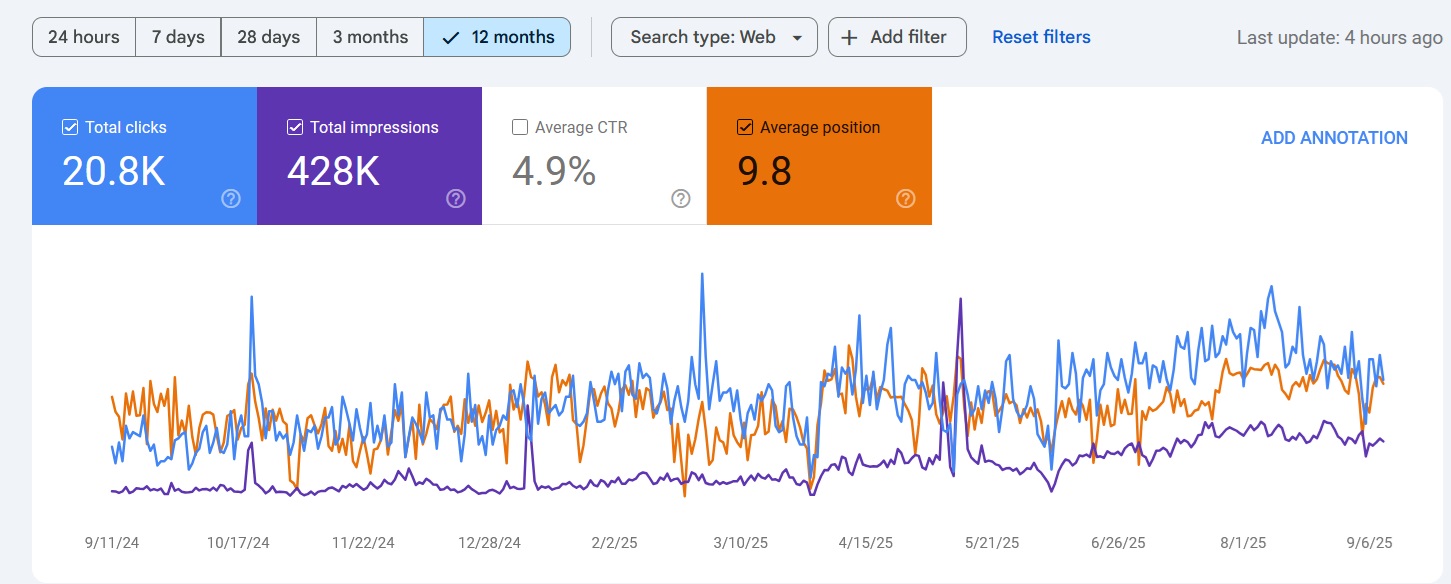
Proof of Performance
Results from roofing campaigns that rank in local search.
Map Pack Rankings
Ranked in Local Search Within 90 Days
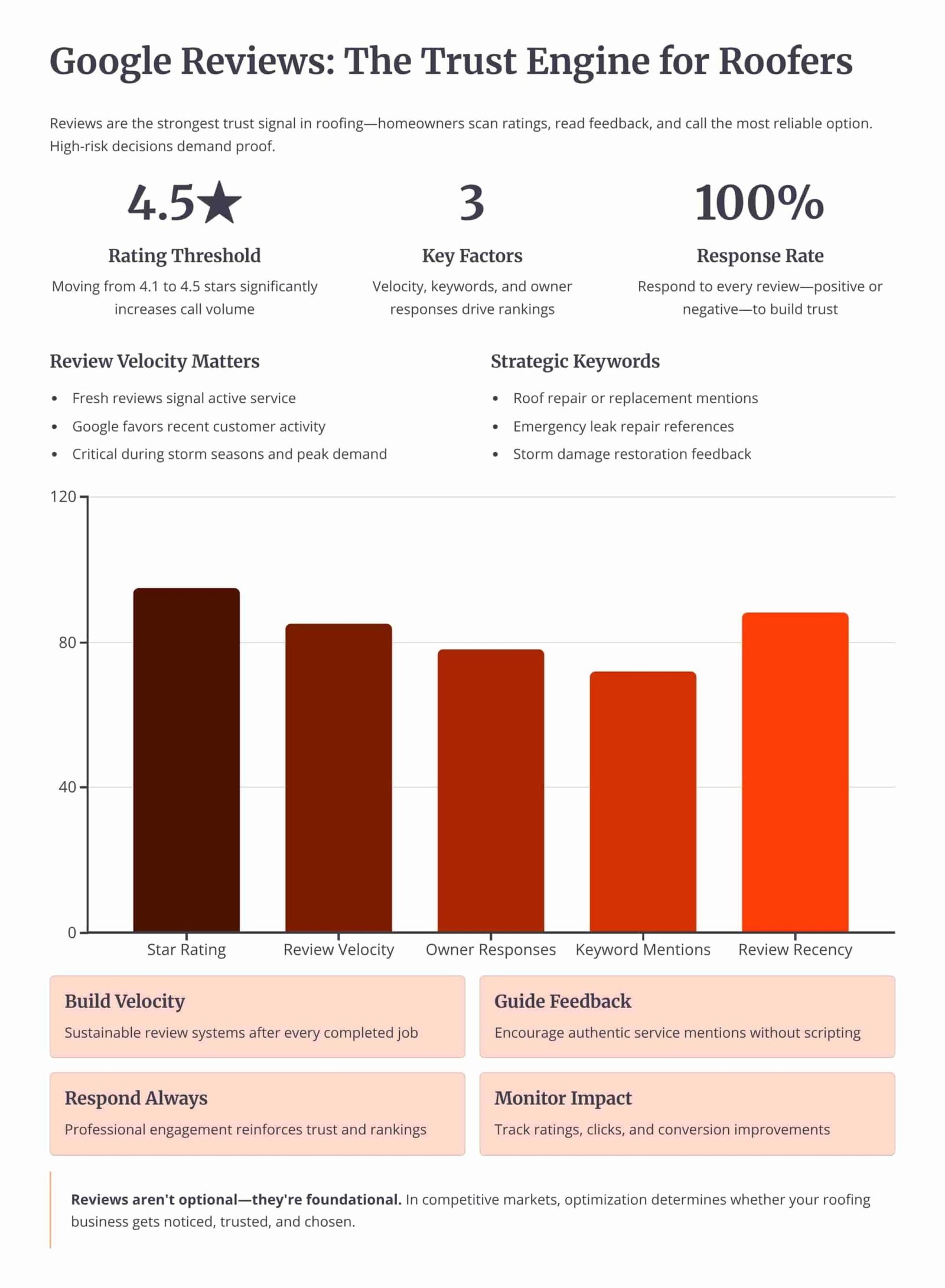
Review Velocity
150+ 5-Star Reviews Generated
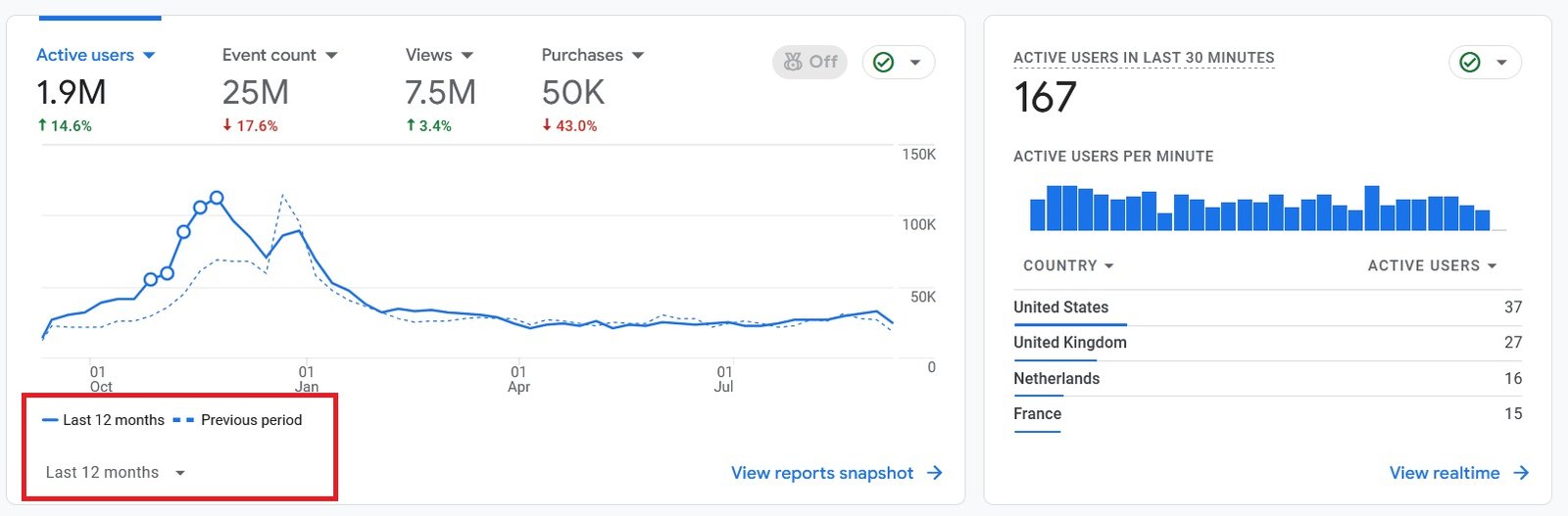
Organic Traffic
300% Increase in Qualified Traffic
What Roofers Say
The 180-Day Roofing SEO Roadmap
See how we optimize the profile, build the website, and earn local-pack rankings over a 6-month engagement.
Month 1: Profile Audit and Setup
- Category and Field Fixes: Setting the primary category, secondary categories, description, services, and service areas.
- NAP Cleanup: Correcting the name, address, and phone number across the profile, the website, and the directory citations.
Month 2: Reviews and Media
- Review System: Setting up a steady request flow and replying to every review, positive and negative.
- Photo and Post Cadence: Uploading job photos from each completed roof and publishing profile posts twice a month.
Month 4: Citations and Site Support
- Citation Building: Adding consistent listings on the directories that feed prominence for a service area.
- Service-Area Pages: Building city pages on the website that reinforce the profile's service areas.
Month 6: Local-Pack Rankings and Leads
- Map-Pack Position: Reaching the top 3 of the local pack for core roofing queries in the served cities.
- Lead Tracking: Measuring calls and direction requests from the profile against the cost of paid leads.
Owning Search Demand vs Renting It From Lead Platforms
If you pay Angi or Google Ads, you are renting visibility. The moment you stop paying, your pipeline dries up. Ranking the profile and the website for high-intent local searches builds permanent digital equity.
Shared Lead Platforms (Angi, HomeAdvisor)
- The Race to the Bottom: Shared leads force you to slash prices to win against 5 other roofers.
- Low Intent: Half the time they aren't ready to buy, they were just clicking around online.
Local Search SEO (Our Approach)
- 100% exclusive, direct-to-you inbound calls.
- Highest closing rate. They chose YOU from the local pack.
- Compounding ROI. You don't pay per click.
We Identify Search Intent Using Industry-Leading Data Tools




Expertise Built on Data.
Not Guesswork.
I'm Nizam Ud Deen, and I don't build generic websites. I build search intent engines specifically for the roofing industry.
For years, I've watched roofers burn money on agencies that brag about "traffic" while the phones stay silent. Traffic without intent is worthless. My system maps exactly how homeowners search during storms, when comparing prices, and when they're ready to buy, and intercepts them at every stage.
The No-Brainer Roofing SEO Guarantee
We don't guarantee "traffic" or "rankings." We guarantee high-intent leads.
"We guarantee to generate 15 exclusive, inbound replacement or repair leads per month within the first 180 days, driven entirely by high-intent organic search. If we don't hit that metric, we work for free until we do."
Measuring Success: Leads and Revenue
We don't report on vanity metrics. If traffic goes up but revenue stays flat, the strategy failed. We track the pipeline.
Call Tracking
Every keyword mapped to the exact phone call it generated.
Form Fills
Tracking estimate requests from high-intent local landing pages.
Booked Jobs
Connecting CRM data to SEO efforts to prove actual revenue return.
Cost per Lead
Monitoring organic CPL to ensure it beats shared platform costs.
The XML Sitemap Health Checklist
Run the roofing sitemap through this checklist to confirm every URL feeds discovery, indexation, and crawl efficiency.
Frequently Asked Questions
Clear answers about XML sitemaps for roofing websites.
What is an XML sitemap for a roofing website?
Why does a roofing website need an XML sitemap?
How does an XML sitemap work for roofing sites?
What is the difference between an XML sitemap and robots.txt?
How do I create an XML sitemap for a roofing site?
How do I submit a sitemap to Google Search Console?
What is a sitemap index file?
How many URLs can one XML sitemap hold?
What does the lastmod tag do?
Should noindexed pages be in the sitemap?
How does sitemap segmentation help crawl budget?
How long should a new roofing page take to index?
How do I monitor sitemap health?
What are common XML sitemap mistakes roofers make?
Get Your Free XML Sitemap Audit
We'll analyze the roofing sitemap and the Search Console coverage report to show you exactly where indexation breaks down.
What You Get:
- Sitemap Structure ReviewA check of segmentation, the index file, and the URLs listed in each sitemap.
- Indexation Rate ScoreWhat share of submitted URLs Google actually indexes against the 95 percent target.
More Deliverables
- Conflicting-URL ScanA list of noindexed, redirected, and orphaned URLs to remove from the file.
- Coverage Error ReportThe Search Console errors blocking pages from the index, with a fix order.
Claim your free XML sitemap audit today. No commitment required.