
ImageObject Schema for Roofing Images
Add ImageObject structured data to the roof photos on a roofing site so search engines read the caption, the location, and the owner of each image, and the photo qualifies for image search and rich results.

Free Roofing Image Schema Audit
Most roofing galleries carry no structured data, so the photos never reach image search. Get a free audit of your roof photos with the ImageObject markup drafted for your top pages.
What Is ImageObject Schema?
ImageObject schema is a structured-data type from Schema.org that describes a single image with properties such as its file URL, caption, width, height, owner, and the date it was taken. On a roofing site you add it as JSON-LD so a search engine reads a roof photo as a defined image instead of a nameless file.
The contentUrl
The contentUrl property points to the full image file, the actual roof photo a search engine fetches and may show in image search.
The caption
The caption property states in words what the photo shows, such as a shingle roof replacement in a named city, so the image carries meaning.
It Describes, Not Defines the Entity
This markup labels the photo. For what the underlying entities mean, see entity SEO for roofers.
Why Does ImageObject Schema Matter for a Roofing Site?
It matters because roofing is a visual trade, and a before-and-after photo proves work that words only claim, yet without markup a search engine cannot read what the photo shows.
A Photo Without Markup Is a Nameless File
- A search engine sees a file name and an alt attribute, with no caption, no location, and no owner attached.
- The image can be missed in image search where homeowners scan roof photos before reading text.
- Markup gives the photo a caption, a license, and a creator, so the image reads as a defined asset.
It Supports, Not Replaces, the Alt Text
- Alt text stays for accessibility and for the page itself; ImageObject adds a structured layer on top.
- The two work together, the alt attribute on the img tag and the JSON-LD in the page head.
- For the wider page setup, see on-page SEO for roofers.
Which Properties Belong in Roofing ImageObject Markup?
Include contentUrl, caption, name, width, height, creator, and contentLocation, since these properties name the file, describe the roof photo, and tie it to a place and an owner.
File and Size
contentUrl gives the file URL; width and height in pixels let a search engine judge whether the photo is large enough to show.
Caption and Place
caption and name describe the roof job in words; contentLocation ties the photo to the city where the work was done.
Owner and License
creator and copyrightHolder name the roofing company; license and creditText state the terms when the photo is your own work.
Turn Roof Photos Into Search Visibility
A roofing gallery with no markup stays invisible in image search. We add ImageObject structured data to every key photo so the work you have already done starts earning visibility.
Call Now For PricingOr call +1 272-207-3231
A Roofing ImageObject JSON-LD Example
Drop this JSON-LD block in the page head, swapping the URLs, the caption, and the city for the real roof photo. It marks up one before-and-after photo of a shingle roof replacement.
<script type="application/ld+json">
{
  "@context": "https://schema.org",
  "@type": "ImageObject",
  "contentUrl": "https://example-roofing.com/photos/shingle-replacement-springfield.jpg",
  "url": "https://example-roofing.com/photos/shingle-replacement-springfield.jpg",
  "name": "Shingle Roof Replacement in Springfield",
  "caption": "Completed asphalt shingle roof replacement on a two-story home in Springfield",
  "width": 1600,
  "height": 1067,
  "creator": {
    "@type": "Organization",
    "name": "Example Roofing Co."
  },
  "copyrightHolder": {
    "@type": "Organization",
    "name": "Example Roofing Co."
  },
  "creditText": "Example Roofing Co.",
  "contentLocation": {
    "@type": "Place",
    "name": "Springfield"
  },
  "datePublished": "2026-02-14"
}
</script>
Use one ImageObject block per photo, or place several in a graph. Keep the contentUrl pointing at the real file path on your site.
How Do You Add ImageObject Schema to a Roofing Page?
Add it as a JSON-LD script in the page head or body, one block per photo you want a search engine to read. The markup sits beside the image, it does not change how the photo looks.
1. Pick the Photos
Choose the photos worth marking up: before-and-after shots, completed jobs, and material close-ups, not every thumbnail.
2. Fill the Properties
Set contentUrl to the real file, write a caption that names the job and the city, and add the width and height in pixels.
3. Place the Script
Paste the JSON-LD into the page, through your CMS, a schema plugin, or the theme template, and keep it on the same page as the photo.
How Does ImageObject Connect to Other Roofing Schema?
ImageObject can stand alone, or it can nest inside another type, as the image property of a LocalBusiness, a Service, or a Review. Nesting ties the photo to the thing it shows.
As the image of a Business or Service
- Set the image property of your LocalBusiness schema to an ImageObject of your storefront or van.
- Set the image of a Service schema block to a photo of that exact roofing service.
- The nested ImageObject still carries its own caption, size, and owner.
As a Standalone Block in a Gallery
- For a project gallery, give each photo its own ImageObject block with a job-specific caption.
- Group the photos under the relevant page, such as a service page or a city page.
- Start from the schema hub for roofers to see how the types fit together.
Common ImageObject Mistakes Roofers Make
Roofing sites weaken their image markup through six recurring mistakes, each one fixable in the JSON-LD itself.
URL and Data Errors
- A contentUrl that points to a missing file, a thumbnail, or a hotlinked stock photo.
- Width and height that do not match the real pixel size of the image.
- Marking up a stock photo as your own work, which misrepresents the image.
Caption and Upkeep Errors
- A generic caption like "roof photo" that names neither the job nor the city.
- The same ImageObject copied across every photo, so each one reads alike.
- Markup left in place after the photo is deleted, leaving a broken contentUrl.
Your Best Photos Should Be Working
A roofing site can sit on hundreds of job photos that no search engine can read. We mark up the photos that prove your work so the gallery starts pulling its weight in search.
Call Now For PricingOr call +1 272-207-3231
How Do You Test Roofing ImageObject Markup?
Test it in the Rich Results Test and the Schema Markup Validator, both run by checking the live URL or pasting the code. They report whether the markup parses and which fields are missing.
Run the Rich Results Test
Open Google's Rich Results Test, enter the page URL or paste the code, and read whether ImageObject is detected without errors.
Read the Warnings
A warning often flags a missing caption, creator, or size. Fill the field so the photo carries its full description.
Confirm Eligibility
See rich results eligibility for what valid markup does and does not guarantee in search.
Proof of Performance
Results from roofing campaigns that rank in local search.
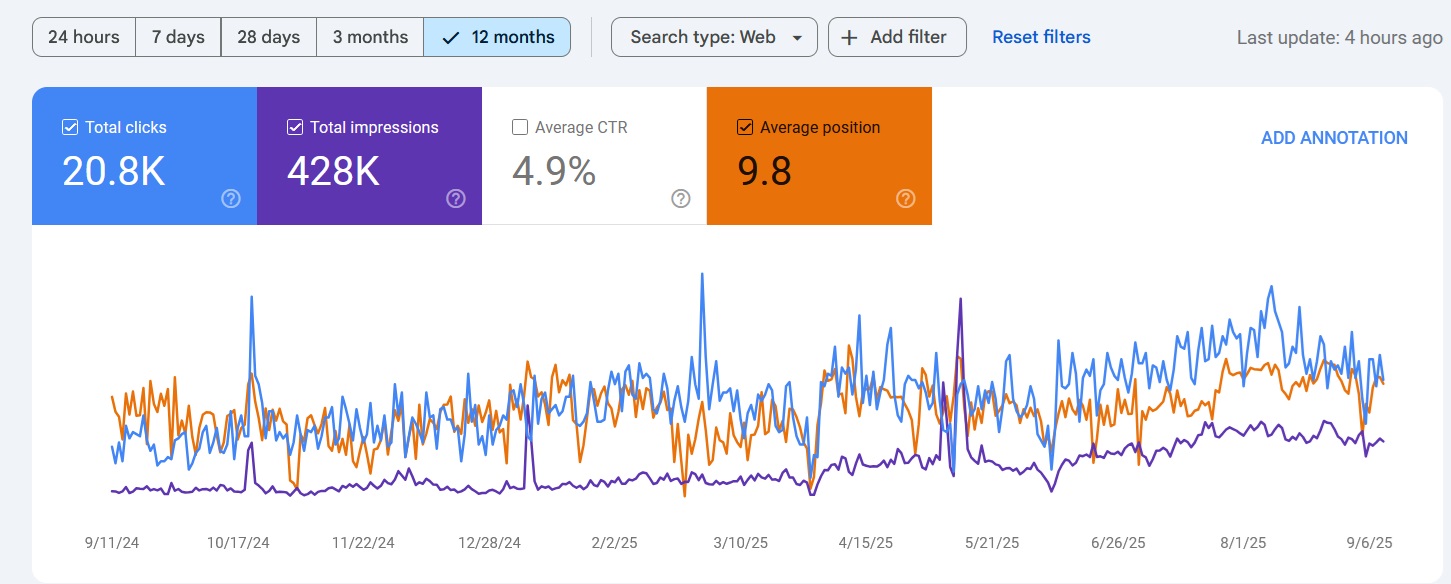
Map Pack Rankings
Ranked in Local Search Within 90 Days
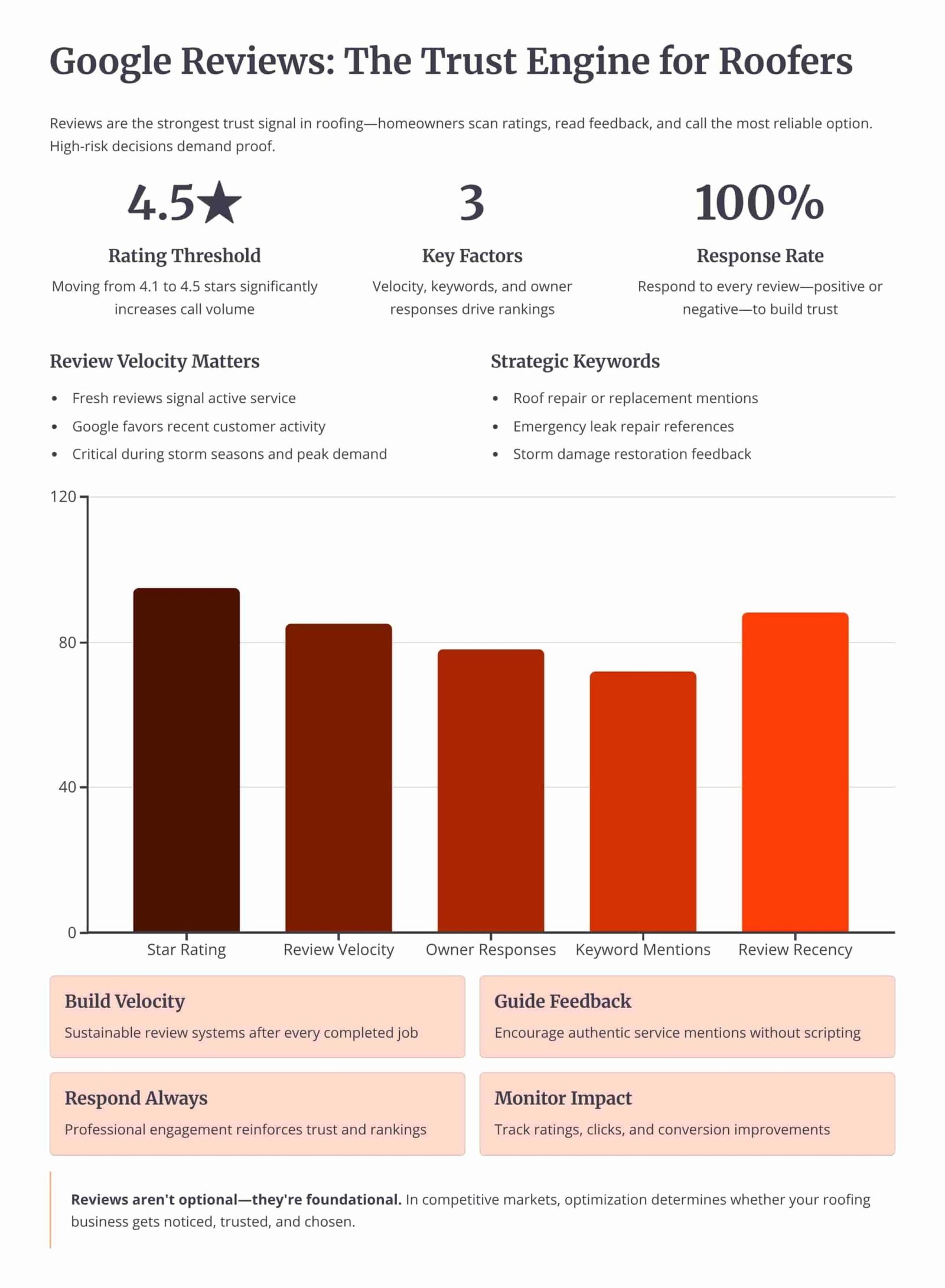
Review Velocity
150+ 5-Star Reviews Generated
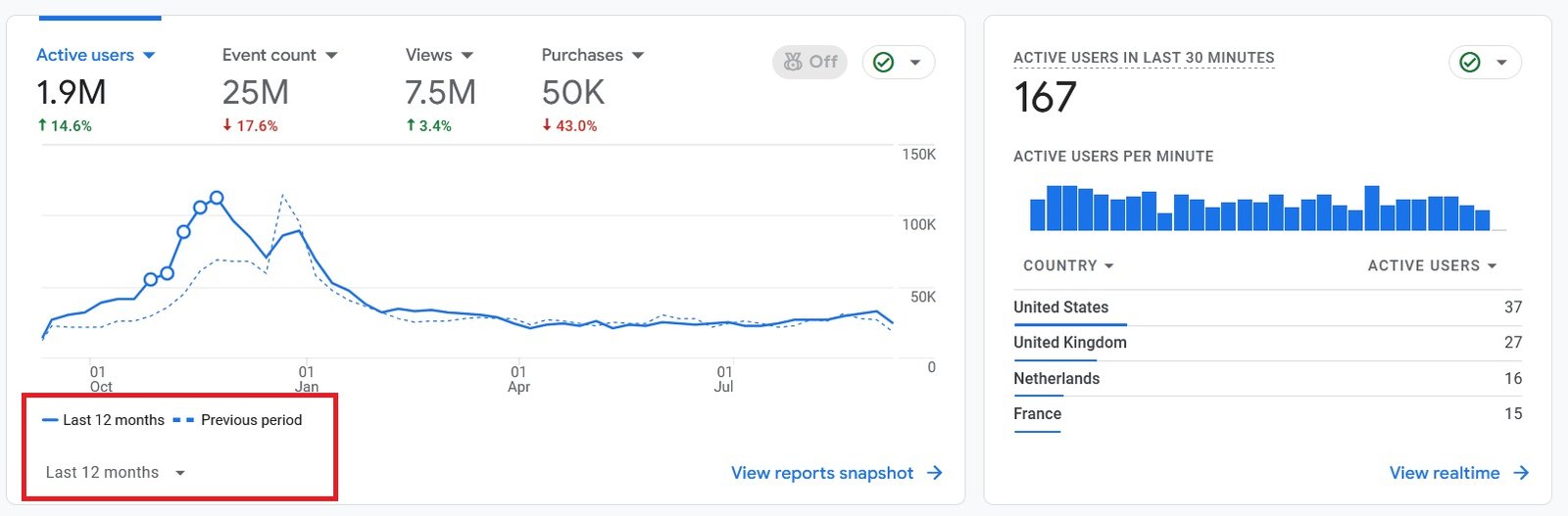
Organic Traffic
300% Increase in Qualified Traffic
What Roofers Say
We Identify Search Intent Using Industry-Leading Data Tools




Expertise Built on Data.
Not Guesswork.
I'm Nizam Ud Deen, and I don't build generic websites. I build search intent engines specifically for the roofing industry.
For years, I've watched roofers burn money on agencies that brag about "traffic" while the phones stay silent. Traffic without intent is worthless. My system maps exactly how homeowners search during storms, when comparing prices, and when they're ready to buy, and intercepts them at every stage.
The No-Brainer Roofing SEO Guarantee
We don't guarantee "traffic" or "rankings." We guarantee high-intent leads.
"We guarantee to generate 15 exclusive, inbound replacement or repair leads per month within the first 180 days, driven entirely by high-intent organic search. If we don't hit that metric, we work for free until we do."
Measuring Success: Leads and Revenue
We don't report on vanity metrics. If traffic goes up but revenue stays flat, the strategy failed. We track the pipeline.
Call Tracking
Every keyword mapped to the exact phone call it generated.
Form Fills
Tracking estimate requests from high-intent local landing pages.
Booked Jobs
Connecting CRM data to SEO efforts to prove actual revenue return.
Cost per Lead
Monitoring organic CPL to ensure it beats shared platform costs.
The Roofing ImageObject Schema Checklist
Run each marked-up roof photo through this checklist before you publish the JSON-LD.
Frequently Asked Questions
Clear answers about ImageObject schema for roofing images.
What is ImageObject schema?
Why should roofers use ImageObject schema?
Which properties does ImageObject schema use?
What is the difference between contentUrl and url?
Do I still need alt text if I add ImageObject schema?
Where do I place ImageObject JSON-LD on a roofing page?
Can ImageObject schema nest inside other roofing schema?
Does ImageObject schema guarantee my roof photos rank in image search?
How do I test my roofing ImageObject markup?
Should I mark up every photo in my roofing gallery?
Can I use ImageObject schema on stock roofing photos?
What does contentLocation do in roofing ImageObject markup?
How is ImageObject schema different from understanding image entities?
How often should I update ImageObject markup?
Get Your Free Roofing Image Schema Audit
We'll review the roof photos across your site, check which ones carry structured data, and draft the ImageObject markup for your highest-value images.
What You Get:
- Image Markup ReviewA check of which roof photos carry ImageObject data and which are nameless files.
- Caption and Property AuditWhere captions, sizes, or owners are missing from the photos that matter.
More Deliverables
- Broken contentUrl ScanMarkup that points to deleted or missing image files on your site.
- Ready-to-Paste JSON-LDDrafted ImageObject blocks for your top roof photos, ready for the page.
Claim your free roofing image schema audit today. No commitment required.